Making ads
Upload finished ads, generate them with AI in Creative Studio, or build audio-led video with Soundframe. Every route ends as an ordinary creative in the workspace library, checked for the channel it can serve on.
Uploading
Console → Creatives → New creative. Point us at the asset by HTTPS URL; we fetch it, check it, and sync it. Video is processed after upload and can be attached once it shows ready.
| Format | What it needs | Runs on |
|---|---|---|
| Image | Image URL, MIME type, width and height, click-through URL. | Display, mobile app |
| HTML5 | Pasted tag markup, an ad size (300x250, 728x90, 160x600, 300x600, 320x50, 320x100, 336x280, 970x250, 468x60), and a click-through URL. Link clicks with {{CLICK_URL}}; the click-through URL is added after it. Zip-only bundles aren't accepted. | Display, mobile app |
| Video | Video URL (MP4), duration. Click-through optional. | Online video, CTV, DOOH |
| Native | Headline (90 characters), body (200), call to action (30), sponsored by (60), main image, click-through URL. Icons aren't supported. | Native |
| Audio | Coming soon. Audio campaigns can't run yet; use Soundframe for sound-on video. | Audio (coming soon) |
Every format accepts extra impression trackers (https only). Our own impression pixel and click redirect are added automatically. Exchanges review each ad against the workspace's advertiser website and category, and each creative shows its review status.
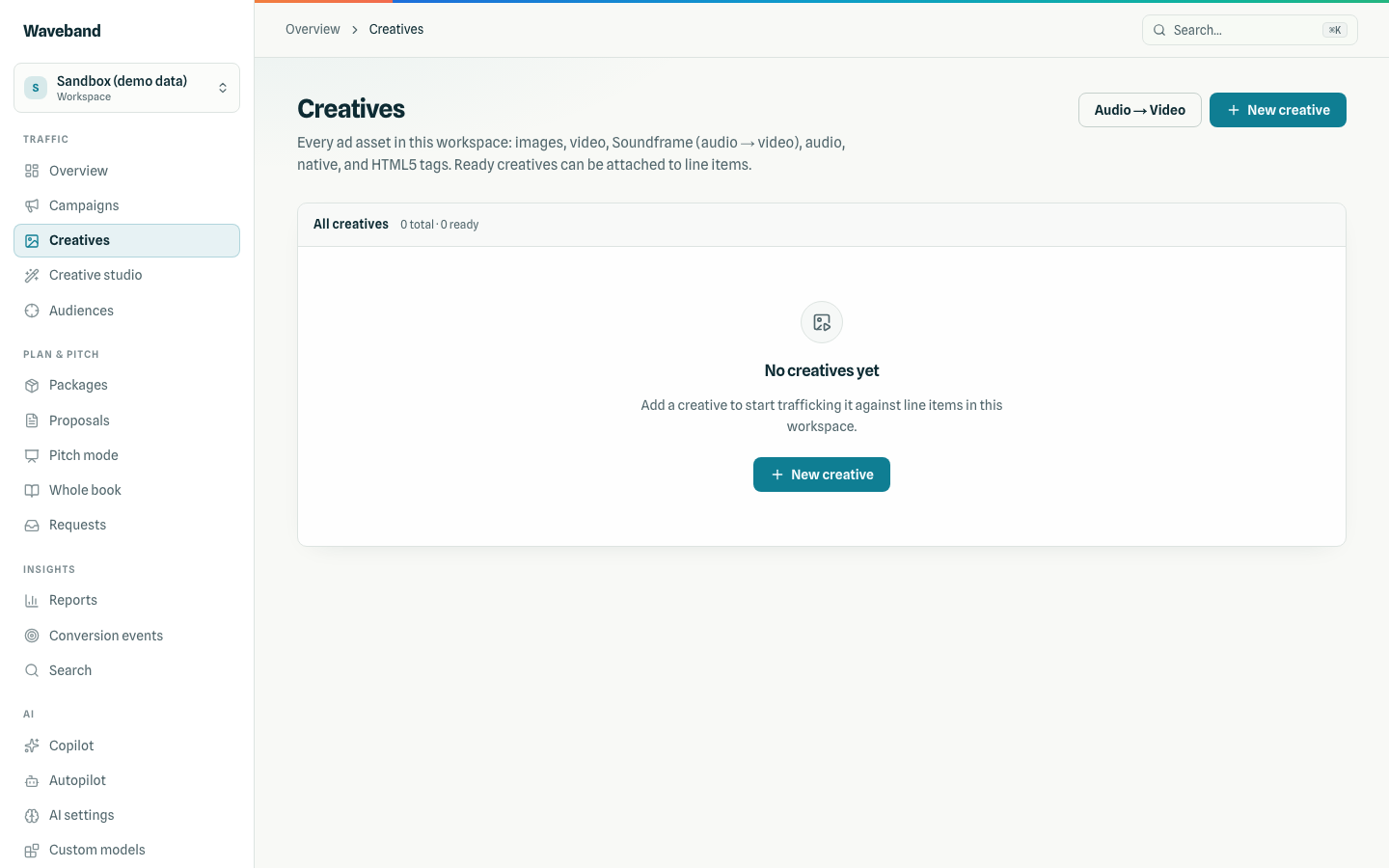
Make ads with AI
In Creative Studio, describe the ad, give a landing page, and pick a format: display banners (6 standard sizes), online and mobile video, or a CTV spot (1920x1080). Video and CTV run 15 or 30 seconds. Audio spots come with audio campaigns.
- Check price quotes a typical and a maximum cost. Nothing is reserved.
- Generate ads sets aside up to the quoted maximum from your wallet (it must be available).
- When the files are ready, they land in your creative library and you are charged the actual cost; the rest of the set-aside comes back. If generation doesn't finish, you pay only for work actually done.
Pricing for AI features: Billing.
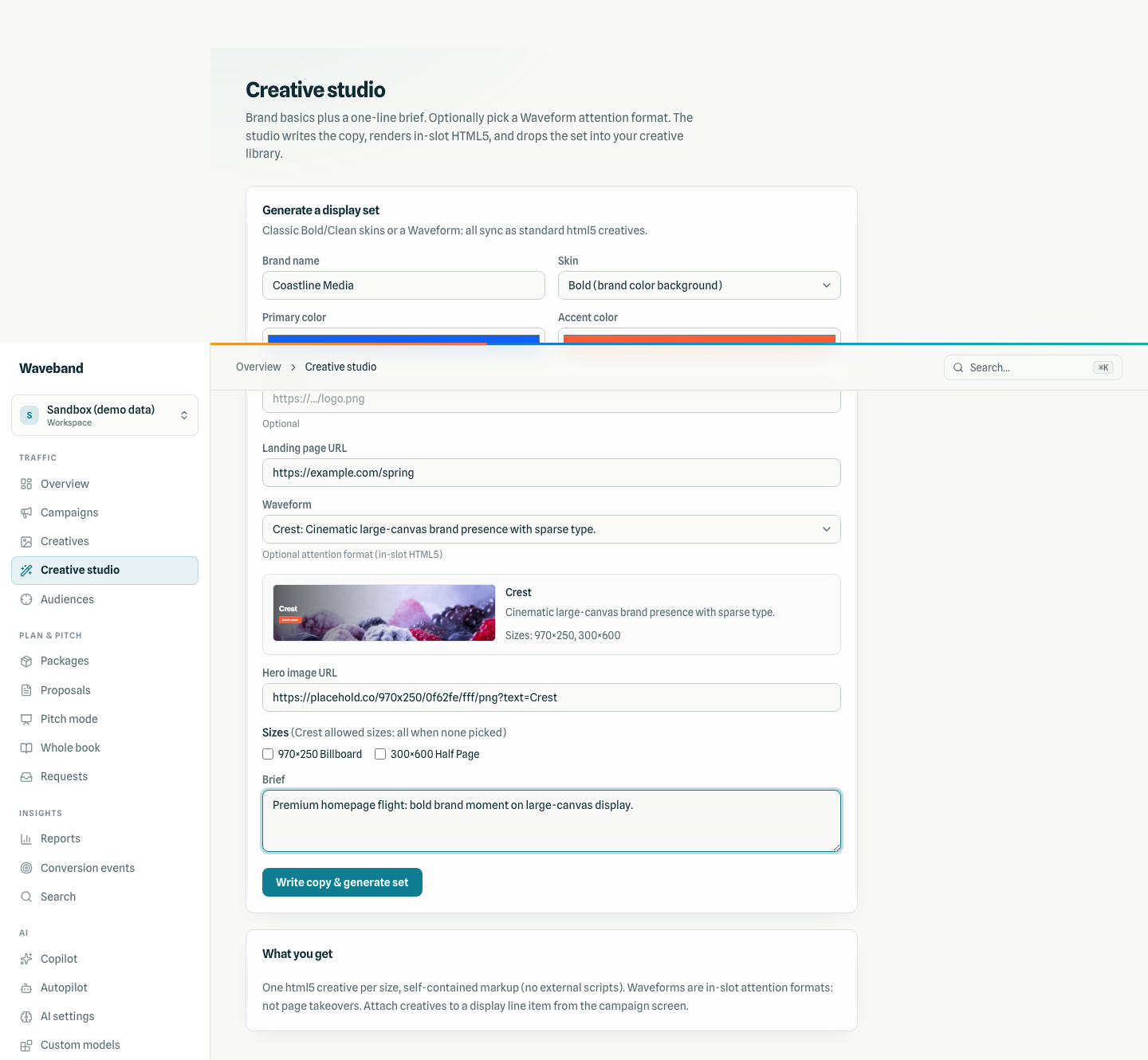
Display sets and Waveforms
Studio also turns a brand kit and brief into a full HTML5 display set, with an optional Waveform: twenty in-slot attention formats with no scripts. See Waveforms.
Soundframe
Creatives → New creative → Audio → Video. Bring audio, a still, a script, or any mix; we generate what is missing and render a standard video creative for online video and CTV. See Soundframe.